
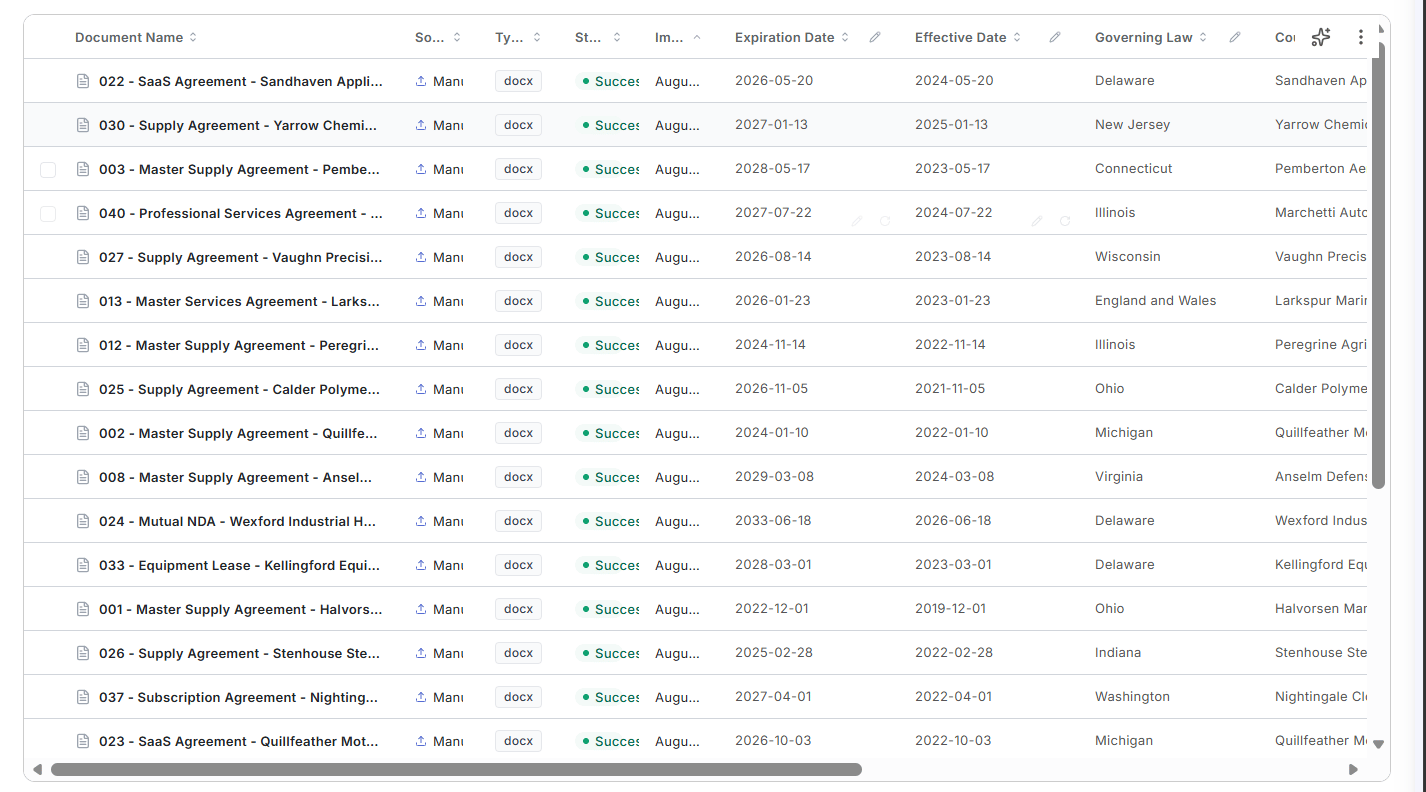
Creating an AI Column
You can ask for yes/no answers, actual extracted text, or summaries of issues. Here are some specific frequently used prompts:- Counterparty Identification: The party to the agreement that is not “your own company name”
- Document Type: describe the type of document (e.g. email. master agreement, purchase order, amendment, etc)
- Short Summary: one sentence summary of the document
- Parent Agreement Identification: For documents that are purchase orders, orders, quotes, amendments, or other forms of documents that are related to (but are not) top-level agreements, identify the name and date of the controlling/top-level agreement (e.g. the master agreement, the software license agreement, etc).
Where documents come from
Documents arrive in the repository two ways:- From a connected source - imported automatically from a system such as your Icertis instance.
- By manual upload.
Connecting an Icertis source
A connected Icertis source imports agreements automatically (on a schedule or on demand) and keeps them in sync.1
Create a new source
Give the source a name (for example,
TFS Contracts) and choose Icertis as the integration.2
Scope the import with a filter
An import filter limits what comes across, so you are not syncing your entire instance. The filter runs against the Agreement entity. Examples:Click Preview to see the live match count before anything imports (for example, Filter matches 641 records) along with the first few matching agreements and their entity types.
3
Set an import schedule (optional)
The schedule is a standard cron expression, in the order minute / hour / day / month / weekday. For example,
0 */6 * * * runs every six hours.Leave the schedule empty for manual imports only.4
Create the source
Click Create Source. The first import begins according to the schedule you set, or when you trigger it manually.
Grouping agreements into families
Related agreements group into families so a master agreement and its amendments stay together instead of appearing as unrelated documents.- Group by parent contract or by folder.
- For a connected Icertis source, the Icertis parent contract ID is used to build the family automatically.
Families matter for querying. A question asked across a repository of families returns the master and its amendments as one answer rather than several partial ones.